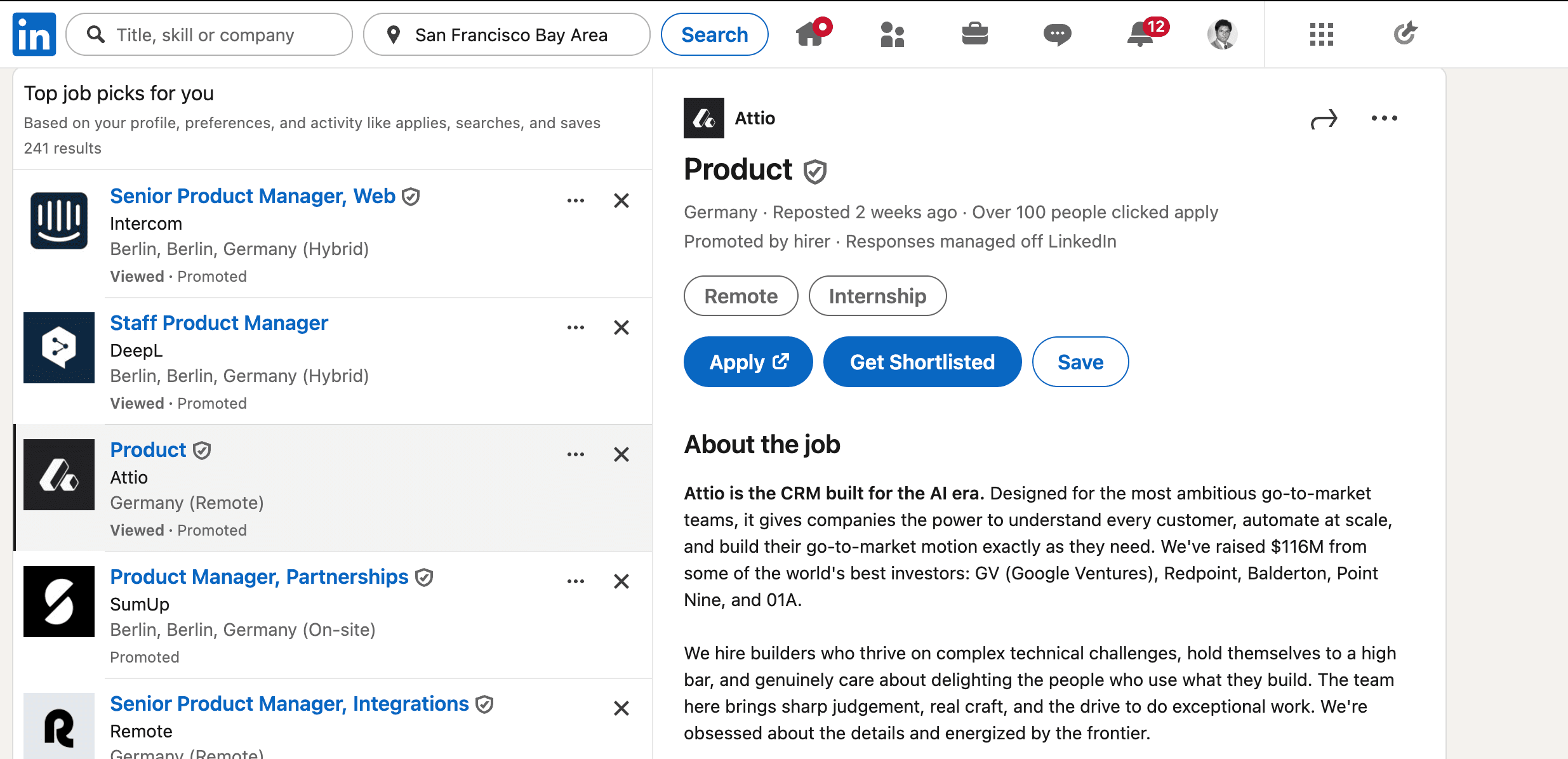
We just shipped the Get Shortlisted Chrome extension. It is live in the Chrome Web Store today, free to install, and it does exactly one thing. It collapses the resume-tailoring flow into a single click on any LinkedIn job posting.
If you have been pasting JDs into Shortlisted by hand, you can stop. If you have ever stared at a job and thought "I would tailor for this if it did not take twenty minutes," this fixes that.
What it does
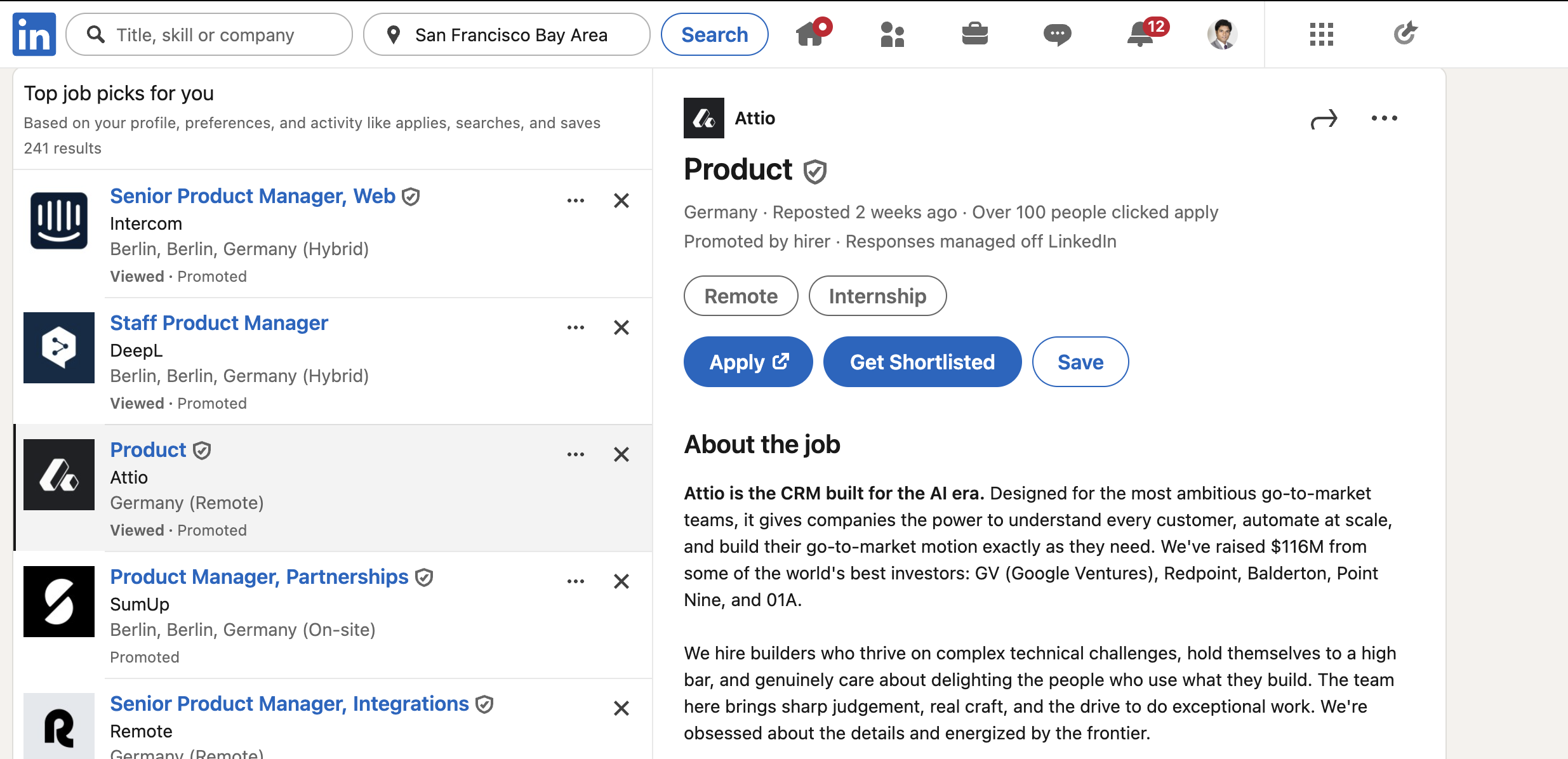
Install the extension. Visit any LinkedIn job page. Next to LinkedIn's Apply or Easy Apply button, you will see a new pill that reads Get Shortlisted.
Click it.
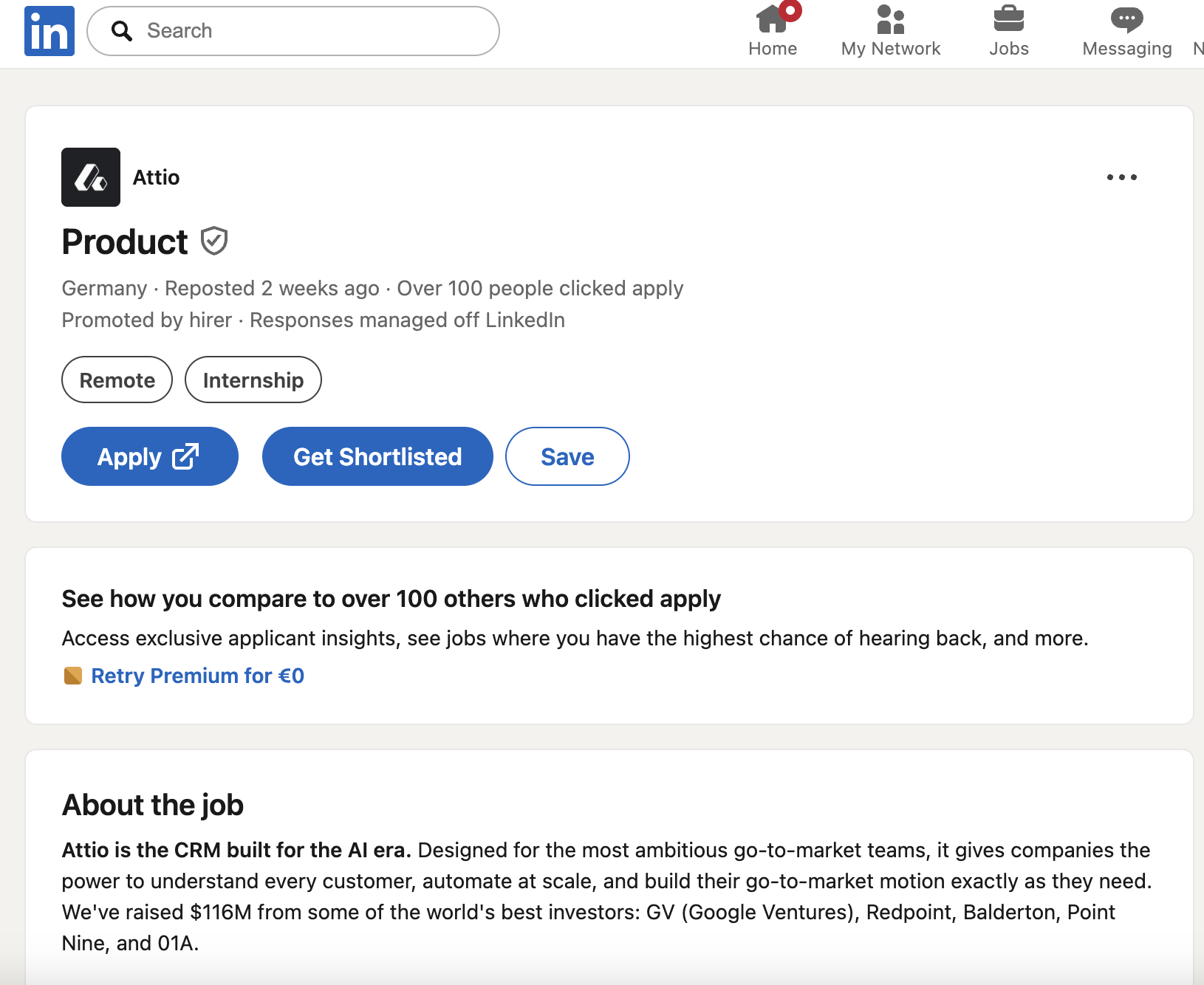
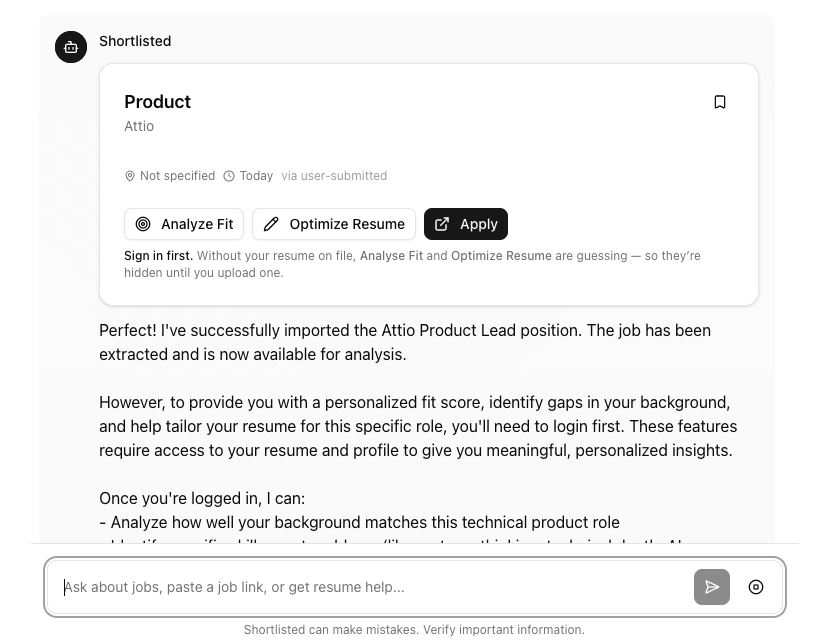
A new tab opens at shortlisted.site with the job already imported. Shortlisted then scores how well you fit the role, surfaces the specific gaps that are likely costing you the interview, starts the 30-second resume interview to capture experience your current resume does not show, and generates an ATS-ready resume tailored for that posting.
That is it. No URL copying. No tab juggling. No "I will come back to this one." You are inside the full tailoring flow at the moment your hand is already on Apply.
Why we built it
The single most common piece of feedback from Shortlisted users in the last two months was a version of: "I love this once I am in it. The friction is getting into it."
The flow used to be:
- See an interesting job on LinkedIn
- Copy the URL (or worse, copy the job description body)
- Switch tabs
- Paste it into the Shortlisted chat
- Wait for the import
- Now start the analysis
By step 3, half of users were already on the next job. The 20-minute application that needed to happen was not happening because the first 30 seconds was the wrong shape. Too many small actions to start.
The extension removes steps 2 through 5. One click, you are in.
How the import works (and what we read)
When you click the button, the extension reads five fields from the LinkedIn page you are actively viewing: the job title, the company, the location, the job description, and the page URL.
It does not read your messages, your profile, your connections, your feed, your search history, or any other LinkedIn data. It only runs on linkedin.com/jobs/* URLs, and only when you press the button. Outside of that, it does nothing.
Those five fields are sent to your Shortlisted account the same way they would be if you had pasted the job description into the chat yourself. From there, every existing tool runs as it always has: fit analysis, resume gap detection, interview, tailored output. The extension is intentionally thin. It is a launcher, not a separate product.
The full data policy is in the extension privacy page.
What the analysis looks like
Once the new tab opens, you will see a fit score out of 100 with a one-line explanation, the two to four specific gaps that are likely keeping you out of the interview pile, and the first interview question of the resume interview. The interview question is designed to surface experience that is true but missing from your current document.
If the fit is strong, you finish the interview in under a minute and download a tailored resume in PDF or Word. If the fit is weak, you skip the role and save an hour. The whole point of Shortlisted is helping you decide which applications to spend your time on, and now that decision happens on the LinkedIn page itself instead of in a separate tab.
What it does not do
A few things we deliberately did not ship, because we would rather do them right than fast.
It does not auto-apply. We are not in the auto-apply business. The whole Shortlisted thesis is that one tailored application gets more interviews than fifty automated ones.
It does not run on other job boards yet. LinkedIn first because that is where most of you are. Greenhouse, Lever, and the company careers pages are next. We are open to feedback on which to prioritize.
It does not store anything locally. No cookies, no localStorage, no persistent extension data. Everything lives in your Shortlisted account.
Install it
The extension is free to install. Resume generation runs through your Shortlisted account, on the same plan you already have, or the free tier.
Install Get Shortlisted from the Chrome Web Store.
After install, refresh any open LinkedIn job page. The button shows up next to Apply or Easy Apply. Click it once and you will see the full flow.
What is next
A few things we are already working on based on private-beta feedback.
Greenhouse and Lever support. Most company careers pages run on one of these two ATSes. Same one-click flow, same import.
A "compare to last application" view. Bring the most recent tailored resume alongside the new one so you can see what is actually changing per role.
A "skip this one" answer. When the fit score is below a threshold, surface that recommendation up front, and tell you which roles in your bookmarks would be worth the time instead.
If you have ideas, or you want to be on the early-access list for the next ATS we add, reply to any Shortlisted email or write to justin.james.mathew@gmail.com.
The hardest part of a tailored job search is not the writing. It is getting started, on the right roles, fast enough that the work fits into a real evening. The Chrome extension is our shot at making the "starting" weigh nothing. One click on the job, and the fit score, gaps, and interview are already running by the time you read the new tab.